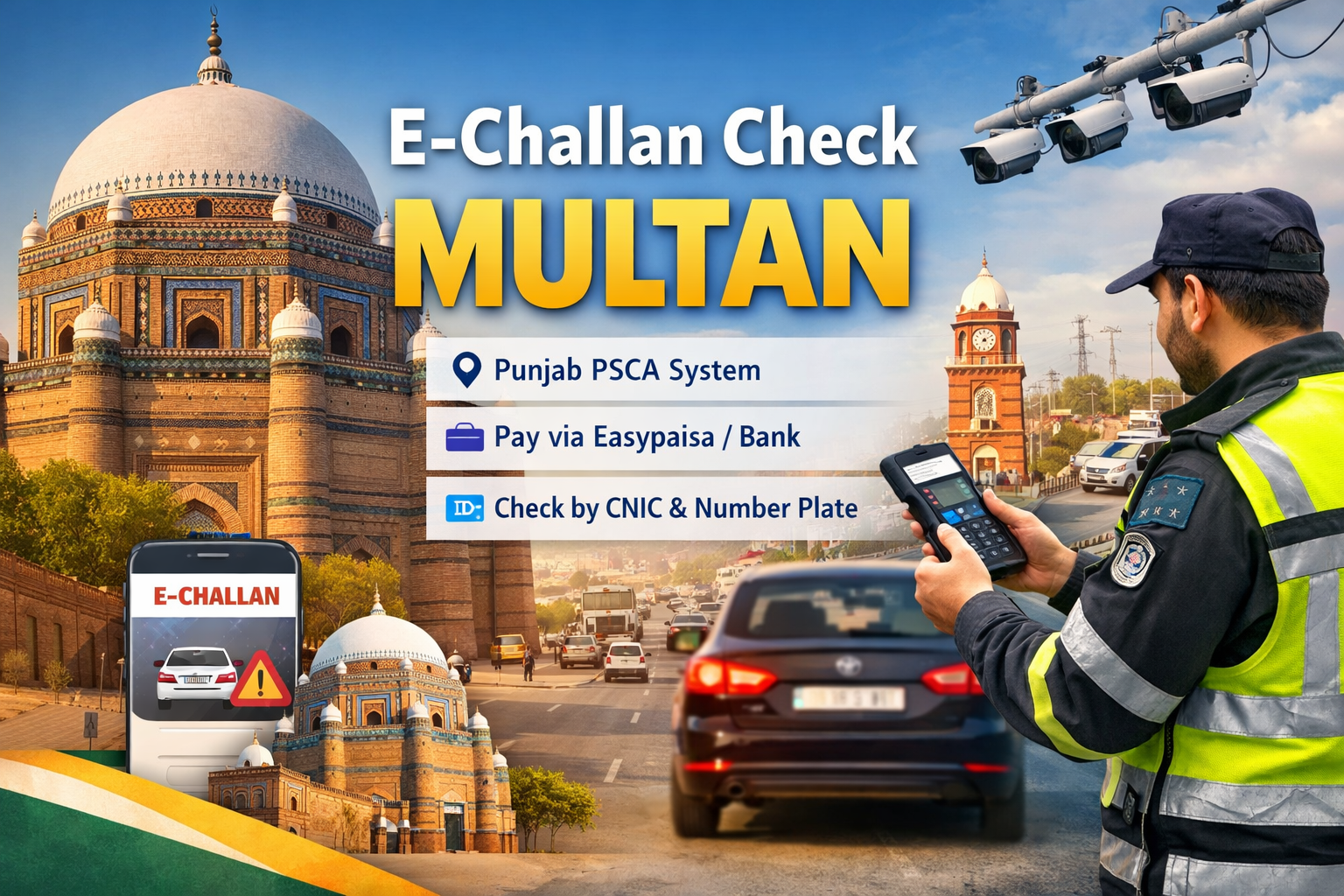
If you live in Multan and want to check your Multan traffic challan online, this page helps you verify and pay your e challan instantly through official Punjab government systems. Whether your vehicle was fined on Bosan Road, Mumtazabad, Cantt Area, or Multan Bypass, you can now check your challan using your number plate or CNIC without visiting any traffic office.
The Punjab Safe Cities Authority (PSCA) and Punjab Traffic Police manage the e challan system in Multan. All traffic violations are recorded through ANPR cameras and traffic monitoring systems, then linked with the Excise and Taxation Department database. Our tool redirects you directly to the official portal so you can view authentic challan details and avoid fraud.
With online access, Multan residents can stay compliant, clear pending fines, and manage vehicle records easily from mobile or desktop.
What Is E-Challan in Multan
An e challan in Multan is a digital traffic fine issued by Punjab Traffic Police and PSCA when a vehicle violates traffic rules. Instead of receiving a paper slip, the challan is generated automatically and stored in the provincial database.
Common violations include:
- Signal jumping
- Speeding
- Lane violations
- Wrong parking
- No helmet or seatbelt
- Illegal U-turns
Cameras installed across major roads in Multan capture violations and match number plates with Excise Department records. Once verified, the challan is issued electronically and becomes available for online checking and payment.
How to Check E Challan in Multan Online
You can check your e challan Multan in just a few simple steps using this platform.
اپنا ای چالان چیک کریں
نوٹ: یہ ٹول صرف آپ کو سرکاری ویب سائٹس پر لے جاتا ہے۔ اصل تفصیلات کے لیے متعلقہ پورٹل پر اپنی معلومات درج کریں۔
Step 1: Select Punjab (PSCA)
Choose “Punjab / PSCA” from the province dropdown to access the official challan system.
Step 2: Enter Vehicle Number
Type your registered number plate, such as LEA-1234 or MNT-5678, exactly as mentioned on your registration card.
Step 3: Add CNIC (Optional)
You may enter your CNIC for additional verification, especially if checking multiple vehicles or ownership records.
Step 4: Click Check
Press the “Check” button to view your challan details directly on the government portal.
You will be able to see:
- Violation type
- Date and location
- Fine amount
- Evidence images
- Payment status
E Challan Multan Payment Methods
After checking your challan, you can pay your fine using multiple official channels.
1. Easypaisa and JazzCash
Open your mobile wallet app and select “Traffic Challan Payment.” Enter your challan ID or vehicle number and complete payment securely.
2. Bank Apps and ATMs
Banks such as HBL, MCB, UBL, and Meezan allow challan payments through mobile banking and ATMs under government billing services.
3. NADRA E Sahulat Centers
Visit the nearest NADRA e Sahulat center in Multan to pay your challan, token tax, or driving license fees in cash.
4. Excise Office Counters
You can also pay directly at Excise and Taxation Department offices if online payment is not available.
Car Token Tax and Vehicle Verification in Multan
Along with Multan traffic challans, Multan vehicle owners can also check their token tax and registration details online.
Available services include:
- Car Token Tax Multan Check Online
- Punjab Vehicle Verification by CNIC
- Bike Number Plate Verification
- Ownership Transfer Status
- Registration Record Check
If your challan remains unpaid, your token tax renewal and ownership transfer process may be blocked. Regular verification helps you avoid penalties and legal issues.
Benefits of Online E Challan Checking in Multan
Using online systems for challan verification offers several advantages.
- Save time by avoiding long queues
- Access official records instantly
- View violation evidence online
- Pay fines securely
- Maintain digital proof
- Avoid late payment penalties
This system is especially helpful for commercial vehicle owners, delivery riders, and frequent commuters in Multan.
Common Areas Covered by PSCA in Multan
The PSCA monitoring network covers major traffic zones and intersections, including:
- Bosan Road
- Vehari Road
- Khanewal Road
- Mumtazabad
- Cantt Area
- Chowk Kumharanwala
- Multan Bypass
- Qasim Bela
Violations in these areas are automatically recorded and processed through the Punjab e challan system.
Frequently Asked Questions
1. What is the official website for e challan Multan
You can check your challan on the PSCA portal or use this tool to access the official Punjab Traffic Police system.
2. Can I check e challan Multan by CNIC
Yes, you can use your CNIC for additional verification when checking vehicle records and challans.
3. How long does it take for a challan to appear online
Usually, a challan appears within 24 to 72 hours after the violation is recorded.
4. Can I pay e challan Multan through Easypaisa
Yes, Easypaisa and JazzCash both support Punjab traffic challan payments.
5. What happens if I do not pay my challan
Unpaid challans may block token tax renewal, ownership transfer, and vehicle registration services.
Why Use This E Challan Check Tool for Multan
This platform is designed to simplify access to official e challan systems in Punjab. Instead of searching multiple websites, you can reach the correct government portal in one click.
Key features:
- Direct redirection to PSCA system
- No fake data or third-party databases
- Mobile-friendly interface
- Secure and transparent process
- Updated provincial links
Our goal is to help Multan residents manage traffic fines and vehicle records efficiently.
Conclusion
Checking your e challan in Multan is now simple and reliable with online verification systems. Whether you need to review a traffic fine, pay through Easypaisa, or verify your token tax, this tool provides direct access to official Punjab platforms.
Stay compliant with traffic laws, avoid unnecessary penalties, and keep your vehicle records updated. Bookmark this page to check your Multan e challan anytime quickly, securely, and through verified government sources.